
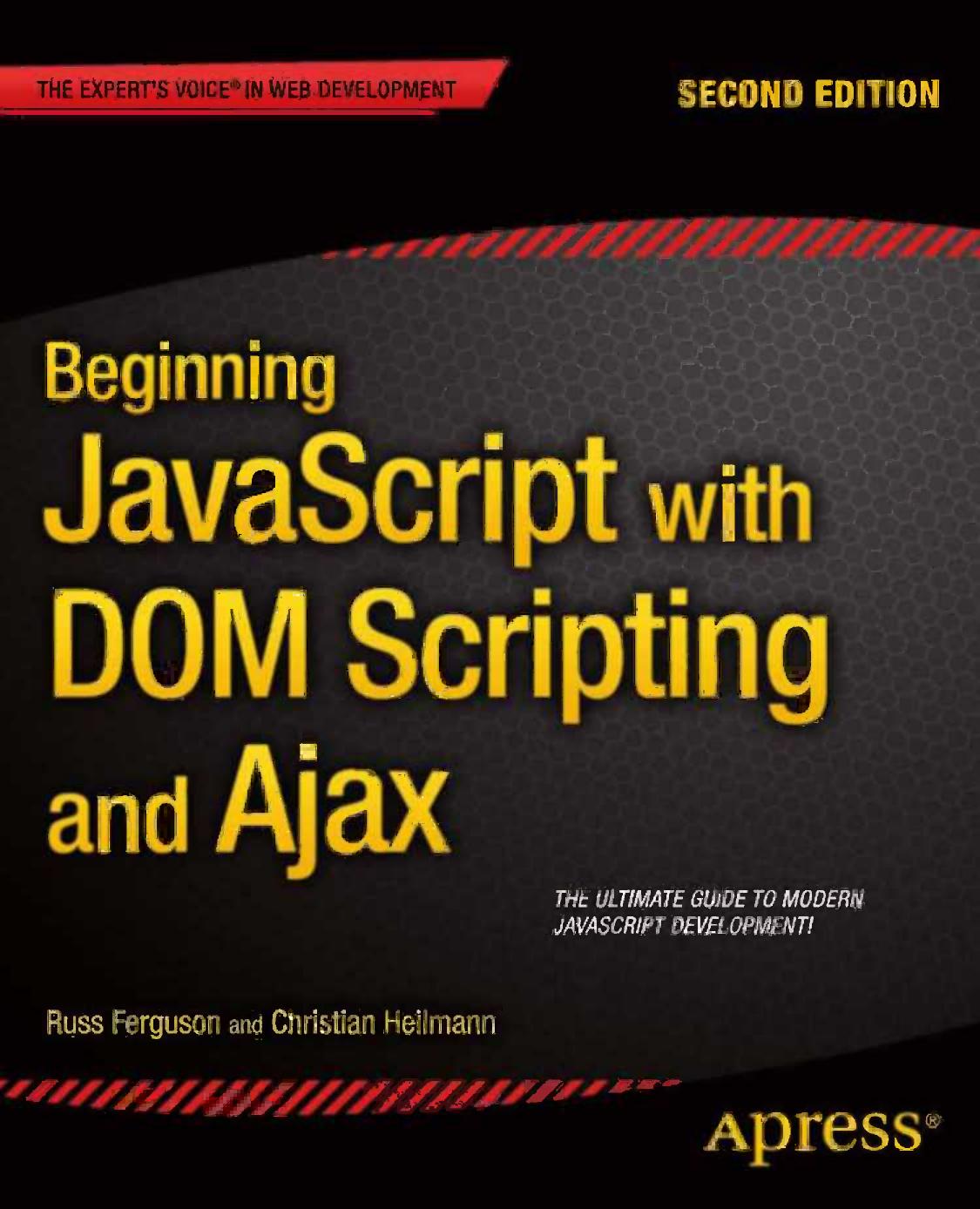
Beginning JavaScript with DOM Scripting and Ajax 2nd Edition by Russ Ferguson, Christian Heilmann ISBN 1430250925 978-1430250920


Original price was: $50.00.$25.00Current price is: $25.00.
Beginning JavaScript with DOM Scripting and Ajax 2nd Edition by Russ Ferguson, Christian Heilmann – Ebook PDF Instant Download/Delivery: 1430250925, 978-1430250920
Full download Beginning JavaScript with DOM Scripting and Ajax 2nd edition after payment
Product details:
ISBN 10: 1430250925
ISBN 13: 978-1430250920
Author: Russ Ferguson, Christian Heilmann
Beginning JavaScript with DOM Scripting and Ajax is an essential resource for modern JavaScript programming. This completely updated second edition covers everything you need to know to get up-to-speed with JavaScript development and add dynamic enhancements to web pages, right from the basics. As well as focusing on client-side JavaScript, you will also learn how to work with the Browser Object Model, the Document Object Model (DOM), how to use XML and JSON as well as communicate with service side scripts such as PHP. Find out how to:
- Construct good JavaScript syntax following modern coding practices
- Use JavaScript to communicate with the server and retrieve data
- Dynamically manipulate markup, validate forms and deal with images
- Debug applications using features inside the browser
JavaScript is one of the most important technologies on the web. It provides the means to add dynamic functionality to your web pages and serves as the backbone of Ajax-style web development. Beginning JavaScript with DOM Scripting and Ajax will take you from being a JavaScript novice to work freely with this important technology – begin your JavaScript journey today!
Beginning JavaScript with DOM Scripting and Ajax 2nd Table of contents:
Chapter 1: Getting Started with JavaScript
The Why of JavaScript
What Is JavaScript?
Problems and Merits of JavaScript
JavaScript in a Web Page and Essential Syntax
JavaScript Syntax
Code Execution
An Aside About Functions
Objects
Simple JavaScript Example
Summary
Chapter 2: Data and Decisions
Data, Data Types, and Data Operators
The String Data Type
Escape Sequences
Operators
JavaScript Variables
Converting Different Types of Data
The Composite Data Types: Array and Object
Objects JavaScript Supplies You with: String, Date, and Math
The String Object
Creating a String Object
Using the String Object’s Methods
The Date Object
Using the Date Object
The Math Object
Rounding Numbers
Generating a Random Number
Arrays
The Array Object’s Methods and Properties
Cutting a Slice of an Array
Joining Two Arrays
Converting an Array to a String and Back
Sorting an Array
Making Decisions in JavaScript
The Logical and Comparison Operators
Comparing Data
Logical Operators
Conditional Statements
Breaking Out of a Branch or Loop
Testing Multiple Values: The switch Statement
Repeating Things: Loops
Repeating a Set Number of Times: The for Loop
Repeating Actions According to a Decision: The while Loop
Continuing the Loop
Summary
Chapter 3: From DHTML to DOM Scripting
JavaScript as the Behavior Layer
Object Detection vs. Browser Dependence
Progressive Enhancement
JavaScript and Accessibility
Good Coding Practices
Naming Conventions
Code Layout
Commenting
Functions
Short Code via the Ternary Operator
Sorting and Reuse of Functions
Variable and Function Scope
Keeping Scripts Safe with the Object Literal
Summary
Chapter 4: HTML and JavaScript
The Anatomy of an HTML Document
Providing Feedback in Web Pages via JavaScript: The Old-School Ways
Using window Methods: prompt(), alert(), and confirm()
Quick Review
Accessing the Document via the DOM
Of Children, Parents, Siblings, and Values
From the Parents to the Children
From the Children to the Parents
Among Siblings
Changing Attributes of Elements
Creating, Removing, and Replacing Elements
Avoiding NOSCRIPT
Shortening Your Scripts via InnerHTML
DOM Summary: Your Cheat Sheet
DOMhelp: Your Own Helper Library
Summary
Chapter 5: Presentation and Behavior (CSS and Event Handling)
Changing the Presentation Layer via JavaScript
Helping the CSS Designer
Styling Dynamic Pages Made Easy
Easing the Maintenance of Your Scripts
Overcoming CSS Support Problems
Multiple Columns with the Same Height
Lacking Support for:hover
If You Have a Hammer, Everything Looks Like a Nail
Changing the Document’s Behavior via Event Handling
Events in the W3C-Compliant World
Applying Events
Checking Which Event Was Triggered Where and How
Stopping Event Propagation
Event Bubbling
Preventing Default Actions
Fixing Events for the Non-W3C-Compliant World
Never Stop Optimizing
The Ugly Page Load Problem and Its Ugly Solutions
Reading and Filtering Keyboard Entries
The Dangers of Event Handling
Summary
Chapter 6: Common Uses of JavaScript: Images and Windows
Images and JavaScript
Basics of Image Scripting
Preloading Images
Rollover Effects
Rollovers Using Several Images
Rollover Effects Using a Single Image
Rollover Effects on Parent Elements
Slide Shows
Embedded Slide Shows
Dynamic Slide Shows
Summary of Images and JavaScript
Windows and JavaScript
Window Properties
Window Methods
User Feedback Methods
Opening New Windows
Window Interaction
Changing the Position and the Dimensions of a Window
Animation with Window Intervals and Timeouts
Navigation Methods of the Browser Window
Alternatives to Opening New Windows: Layer Ads
Summary: Windows and JavaScript
Summary
Chapter 7: JavaScript and User Interaction: Navigation and Forms
Navigation and JavaScript
The Fear of the Page Reload
Basics of Navigation and JavaScript
Browser Navigation
In-Page Navigation
Site Navigation
Pagination
Summary of Navigation with JavaScript
Forms and JavaScript
Basics of Forms with JavaScript
Form Properties
Form Methods
Form Elements
HTML Attributes Not Contained in the Elements Collection
Globally Supported Properties
Using blur() and focus()
Text Fields, Text Areas, Hidden Fields, and Password Fields
Check Boxes
Radio Buttons
Buttons
Select Boxes
Adding Options in a Select Box
Removing and Replacing Options in a Select Box
Interactive Forms: Hiding and Showing Dependent Elements
Custom Form Elements
Summary of Forms and JavaScript
Summary
Chapter 8: Back-End Interaction with Ajax and Node.js
Household Cleaning Liquid, Football Club, or Flash Gordon’s Spacecraft: What Is Ajax?
Et Tu, Cache?
Putting the X Back into Ajax
Replacing XML with JSON
Using Server-Side Scripts to Reach Third-Party Content
XHR on Slow Connections
A Larger Ajax Example: Connected Select Boxes
Node.js
Installing Node.js and Getting Started
Modules
Callbacks
Debugging
Summary
Chapter 9: Data Validation Techniques
Pros and Cons of Client-Side Validation
A Quick Reminder About Protecting Content with JavaScript
Regular Expressions
Syntax and Attributes
Wildcard Searches, Constraining Scope, and Alternatives
Restricting the Number of Characters with Quantifiers
Word Boundaries, Whitespace, and Other Shortcuts
Methods Using Regular Expressions
The Power of Parentheses Grouping
Regular Expression Resources
Summary of Validation Methods
Constraint Validation
Designating Mandatory Fields
Additional Validation Attributes
The Novalidate Attribute
Additional User Feedback Using CSS Pseudo Classes
Detecting Support for HTML5 Form Attributes
Constraint Validation API
Showing a List of Erroneous Fields
Other Dynamic Validation Methods
Browsers That Don’t Support Constraint Validation
Summary
Chapter 10: Modern JavaScript Case Study: A Dynamic Gallery
Basics of Thumbnail Galleries
What Is a Thumbnail Gallery and What Should It Do?
Static Thumbnail Galleries
Faking Dynamic Galleries with JavaScript
Displaying Captions
Dynamic Thumbnail Galleries
Creating an Image Badge from a Folder
Summary
Chapter 11: Using Third-Party JavaScript
What the Web Offers You
REST APIs and Libraries
Using a Library: Short, Shorter, jQuery
Dangers of jQuery and Other Libraries Using Their Own Syntax
Using an API: Adding a Map to Your Site with Google Maps
Full Service: Introducing Twitter Bootstrap
Adding Bootstrap to Your Site
Summary
Chapter 12: Debugging JavaScript
Common JavaScript Mistakes
Misspellings and Case-Sensitivity Issues
Trying to Access Undefined Variables
Incorrect Number of Closing Braces and Parentheses
Concatenation Gone Wrong
Assigning Instead of Testing the Value of a Variable
Tracing Errors with alert( ) and “Console” Elements
Error Handling with try and catch( )
Sequential Uncommenting
Built in Developer Tools
Microsoft Internet Explorer
Safari
Opera
Firefox
Chrome
Inspecting and Debugging Your Code
Console
JSLint and Jasmine
People also search for Beginning JavaScript with DOM Scripting and Ajax 2nd:
javascript dom scripting
javascript dom beginner
beginning javascript fourth edition
beginning javascript projects
beginning javascript wrox
Tags: Russ Ferguson, Christian Heilmann, Beginning JavaScript, DOM Scripting
You may also like…

Relationships & Lifestyle - Relationships
Computers - Programming
Beginning Unity Editor Scripting: Create and Publish Your Game Tools 1st Edition Benny Kok

Computers - Web Development
Computers - Programming

Computers - Programming

Uncategorized

Uncategorized
Digital capitalism media communication and society First Editon Edition Christian Fuchs

Computers - Programming
Data Visualization with Python and JavaScript, 2nd Edition Kyran Dale
Computers - Web Development